SEO & AI Search
Internal Linking Strategy for Bloggers: What an Audit of 64 Posts Showed
By Bibek Thapa · Updated · 18 min read
Quick Answer
An internal link is a link from one page on your site to another page on the same site. Internal linking helps Google discover pages, shows how they relate, and passes importance between them. The practical system is to map your content, give every page at least one contextual inbound link, write anchor text that describes the destination, and audit it on a schedule rather than once.
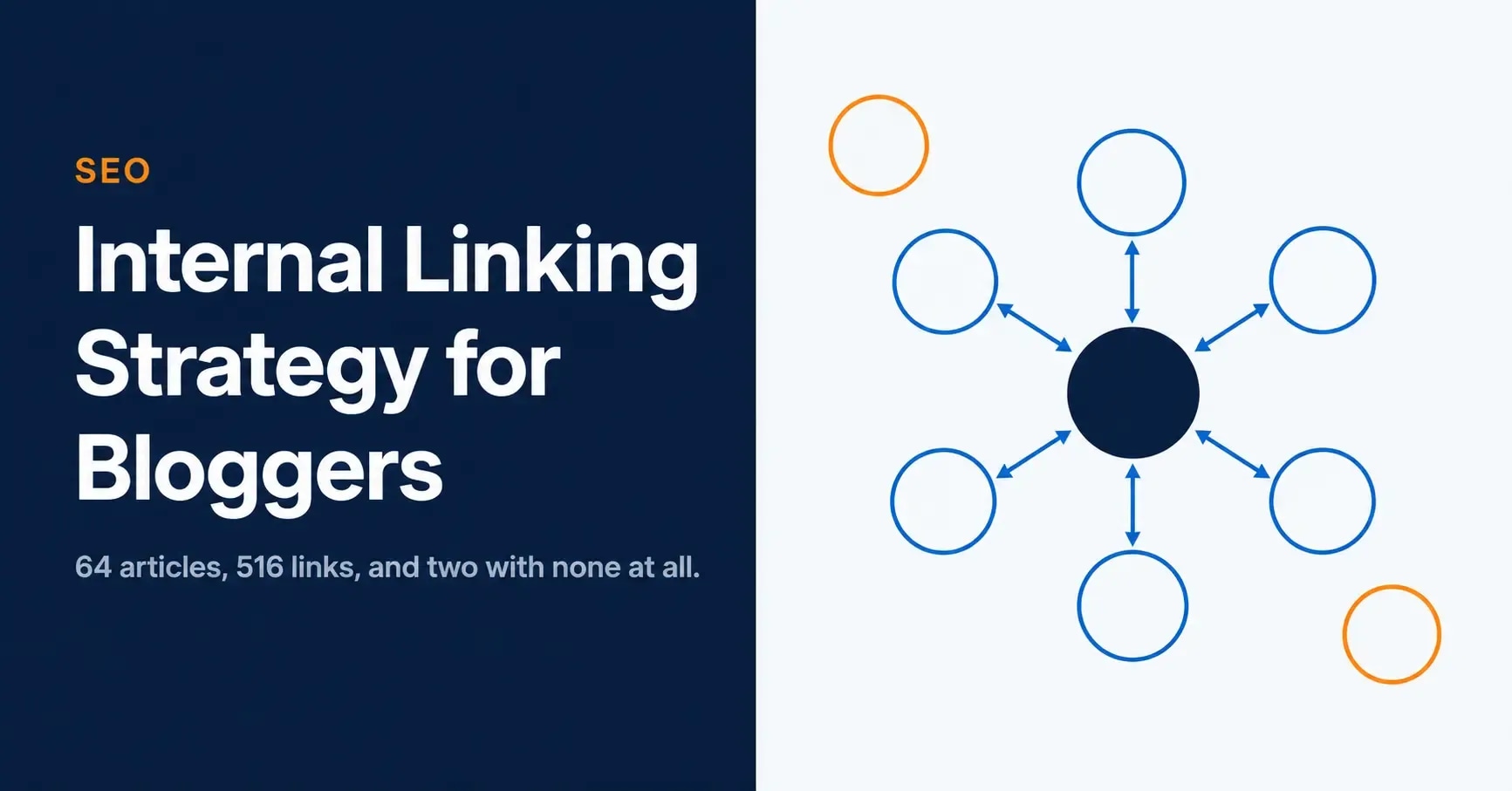
Table of ContentsOn this page
- What an internal link actually does
- What a real blog's internal links look like
- How many internal links a post needs
- Where an internal linking strategy starts: the map
- Building your first cluster
- Anchor text
- The mistakes that actually cost you
- Running an internal link audit
- Tools worth using
- Scaling an internal linking strategy by blog size
- Using links to revive declining pages
- The bottom line
- Frequently Asked Questions
- Sources and References
Key Takeaways
- Google primarily finds pages through links from pages it has already crawled, so an unlinked page is a page it may not find.
- Google states there is no ideal number of links per page, which makes the common 2 to 5 rule a convention rather than guidance.
- Good anchor text is descriptive, concise, and relevant to both the page it sits on and the page it points to.
- An audit of this site on 4 October 2026 found 27 of 64 articles had two or fewer inbound internal links.
- Two articles on this site had zero inbound editorial links, which is the clearest fix available on any blog.
- The most linked internal URL on this site is the author page at 69 links, because every byline points to it.
- Screaming Frog crawls 500 URLs free, which covers most blogs without a licence.
Most guides to an internal linking strategy, including the previous version of this one, tell you that internal linking matters and then prove it with a case study you cannot check.
So this version does the opposite. On 4 October 2026 I crawled this site, all 93 URLs in the sitemap, and counted every link inside the article body. The numbers are below, including the unflattering ones. Two articles had no inbound internal links at all. The single most linked URL on the site turned out to be the author byline.
The previous version also needed correcting in three places. It carried a case study claiming a blog grew organic traffic 214% in six months, described as a composite of client work, which is not something a reader can verify and not something this site should publish. It stated that dwell time and bounce rate improvements "compound over time into stronger organic rankings", which Google does not support. And a guide about internal linking contained two links pointing at itself, one of them a closing invitation to read a link building guide that does not exist. All three are gone.
What an internal link actually does
An internal link connects one page on your domain to another page on the same domain. An external link points to a different domain, and a backlink is an external link pointing at you. The difference that matters is control: you decide every internal link on your site, with no outreach and no budget.
Google is unusually direct about why they count. Its starter guide states that "Google primarily finds pages through links from other pages it already crawled", and that "the vast majority of the new pages Google finds every day are through links, making links a crucial resource" [1].
Read that carefully, because it sets the floor. A page with no internal links is not merely under-promoted. It is a page Google may not find at all, unless your sitemap or an external link happens to carry it.

Beyond discovery, an internal link does two more things. It tells Google the two pages are related, and the anchor text describes what the destination is about. That is the whole mechanism. It is less mystical than most SEO writing suggests, and more useful.
What internal links do not do
This is where the previous version of this page was wrong, so it is worth being explicit.
Internal links do not improve rankings by increasing dwell time, pages per session or bounce rate. Those are analytics metrics your own tools report. Google does not publish them as ranking signals, and building a linking strategy on the assumption that they are means optimising for something you cannot verify. Bounce rate and SEO covers that confusion in full.
Internal links also do not trigger an over-optimisation penalty for repeated anchor text. Google names no such penalty for internal anchors. There is a real reason to vary anchors, covered below, but it is about usefulness rather than punishment.
And nofollow does not redirect importance to your other pages. Google states that links marked with nofollow, sponsored or ugc "will generally not be followed" [3], so putting nofollow on an internal link removes that link from how Google understands your site rather than concentrating anything elsewhere. The old practice of sculpting internal link flow this way has not worked for years. Prioritise by choosing what you link to and how often.
What a real blog's internal links look like
Here is the audit, on this site, so the method is inspectable.
Method. On 4 October 2026 I fetched all 93 URLs listed in anobee.com/sitemap.xml. 92 responded. I counted only links inside the article body, excluding the related-posts block, the navigation and the footer, because sitewide links repeat everywhere and say nothing about relevance. 64 of those URLs are articles sitting under a category path. This is one site, at one size, on one date. It is not a benchmark for your blog.

| Measure | Result |
|---|---|
| Articles crawled | 64 |
| Internal links inside article bodies | 516 |
| Inbound links per article, median | 3 |
| Inbound links per article, mean | 4.2 |
| Articles with two or fewer inbound links | 27 of 64, or 42% |
| Articles with zero inbound links | 2 |
| Most linked article | 16 inbound |
| Most linked URL of any kind | 69 inbound, the author page |
| Outbound links per article, median | 6 |
Three things in that table are worth sitting with.
Forty-two per cent of articles have two or fewer inbound links. Not broken, but thin. These are pages the site has effectively published and walked away from, and on most blogs this is the bulk of the archive.
Two articles had nothing at all. The email marketing guide for beginners and the AI-powered digital growth GEO framework each had zero inbound editorial links. Both are substantial articles. Both were invisible to the rest of the site. Those two links, in that sentence, are the fix, which is a fair illustration of how small the work is.
The most linked URL on the site is a byline. The author page receives 69 internal links, more than four times the most linked article, for one reason: every article links to its author. That is boilerplate, repeated structurally rather than chosen editorially. It is not a problem, but it does show how misleading a raw link count is if you do not separate contextual links from sitewide ones.
How many internal links a post needs
The advice to add 2 to 5 internal links per post is a convention, not guidance. Google's own position is plainer: "There's no magical ideal number of links a given page should contain. However, if you think it's too much, then it probably is" [2].
So stop counting links per post. Count links per destination instead, which is the number that actually describes whether a page is reachable and understood.
A workable floor:
- Every article has at least one contextual inbound link. No exceptions, because this is the orphan test.
- Pages you care about most carry noticeably more than your median.
- Links go where they are genuinely useful to a reader mid-sentence, not where a quota needs filling.
The second point needs the first to be meaningful. If your median is three and your most important page has four, that page is not prioritised; it is average.
Where an internal linking strategy starts: the map
Adding links without a map produces a tangle that is hard to reason about later. Three steps, in order.
Export every URL. From your sitemap or a crawl. A spreadsheet with every post, its topic, and its current inbound link count is the entire tool you need.
Decide what each page is for. Most blogs have three kinds of page, and they deserve different treatment.
| Tier | What it is | Linking treatment |
|---|---|---|
| Hub | Broad guides covering a whole topic | Receives the most links; links out to every cluster page |
| Cluster | Specific articles answering one question | Links up to its hub, and sideways to siblings |
| Supporting | News, opinion, updates, smaller pieces | Links into the cluster it belongs to |
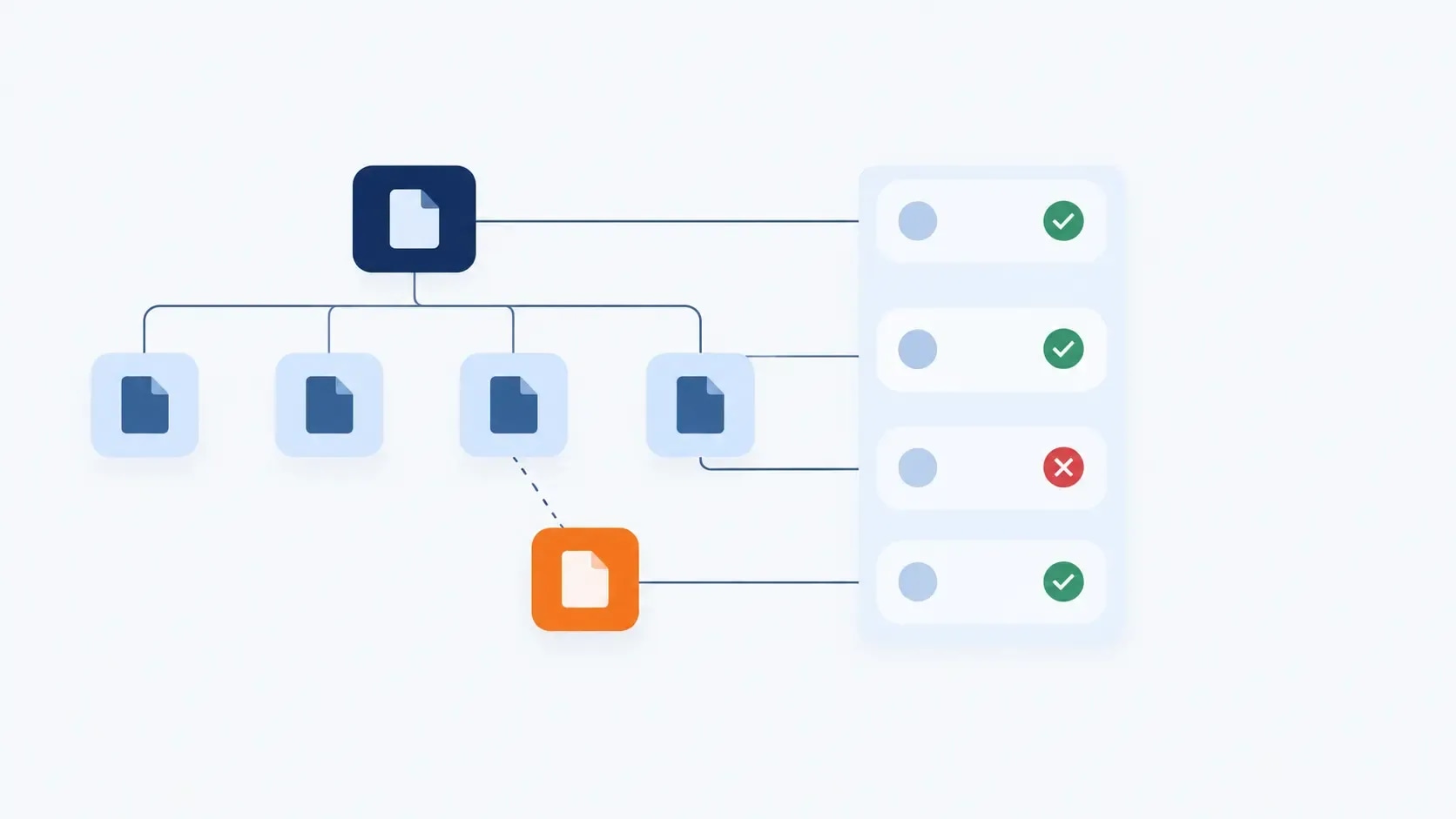
Group them into topics. A hub plus the articles sitting under it is a topic cluster, linked deliberately in both directions: the hub out to each cluster page, each cluster page back to the hub, and siblings to each other where it genuinely helps.
Building your first cluster
The point of a cluster is not the shape but the completeness. It shows a search engine that the site covers a subject rather than one page of it, which is the argument topical authority makes in detail.

To build one from an archive you already have:
- Pick the topic where you already have the most published articles. Starting where you have material beats starting where you wish you did.
- Choose or write the hub, the page that covers the subject broadly enough to introduce all the others.
- List every existing article that belongs under it.
- Add a link from the hub to each one, in the section where it is relevant rather than in a list at the bottom.
- Add a link from each cluster page back to the hub, in context.
- Note the gaps the exercise exposes. A cluster with an obvious missing subtopic has just told you what to write next.
That last step is the one people skip, and it is the most valuable. Mapping clusters is also a content planning exercise, not only a linking one.
Anchor text
Anchor text is the visible, clickable words of a link. With external links you usually take what you are given. With internal links you choose every word, which makes this the part most worth getting right.
Google's guidance: "Good anchor text is descriptive, reasonably concise, and relevant to the page that it's on and to the page it links to" [2]. A useful test is whether the anchor still makes sense read on its own, with the sentence around it removed.

| Anchor type | Example | When to use it |
|---|---|---|
| Exact match | "internal linking strategy" | Sparingly, when it genuinely reads naturally |
| Partial match | "how to structure your internal links" | Most of the time |
| Descriptive | "the checklist for on-page fundamentals" | When the destination needs context |
| Branded | "Anobee's SEO checklist" | Linking to your own hub or tool pages |
| Generic | "click here", "read more" | Avoid. It describes nothing |
Vary your anchors, but understand why. The reason is not that Google punishes repetition of internal anchors. It is that forty posts linking with the identical phrase is forty wasted opportunities to describe a different facet of the destination, and it reads mechanically to a human.
The mistakes that actually cost you

Orphan pages. Zero inbound links. This site had two, and finding them took one crawl. It is the highest-return fix in the entire discipline because the work per page is a single sentence.
Treating sidebar links as a strategy. They repeat on every page, which means they cannot signal that one page is particularly relevant to another. They are navigation. Contextual links are editorial. Only the second kind carries information about relationships.
Linking only to recent posts. The habit is to link what you just wrote. The value usually sits in older pages that have accumulated links and trust, and routing some of that toward newer work is the point.
Links that only point down. Hubs linking to clusters is the easy half. Clusters linking back to hubs, and sideways to each other, is what turns a list into a structure.
Never looking again. An archive grows, pages get renamed, links break. A link audit is maintenance, not a project. Technical SEO mistakes bloggers make covers what else drifts quietly.
Running an internal link audit
Five steps, roughly an afternoon on a blog the size of this one.

1. Crawl the site. Screaming Frog SEO Spider crawls up to 500 URLs free, which covers most blogs entirely; a licence is £199 per year beyond that [4]. Any crawler that exports inbound and outbound links per URL will do.
2. Find the orphans. Compare the crawled URL list against your sitemap. Anything in the sitemap that the crawl never reached through a link is an orphan. Fix these first.
3. Sort by inbound links, ascending. The top of that list is your work queue. Pages with one or two inbound links, especially ones you consider important, are the cheapest wins after orphans.
4. Check your priority pages against the median. Work out your site's median inbound count, then look at the pages that matter most. If they sit at or below the median, your link structure does not reflect your priorities.
5. Schedule the next one. Quarterly is reasonable for most blogs. Monthly if you publish often. Put it in a calendar, because this is the step that decides whether an internal linking strategy survives contact with a growing archive.
Google Search Console has a Links report that shows your top internally linked pages, which is a free second opinion on any crawl. Its performance report also surfaces pages ranking for queries related to your other posts, and those overlaps are linking opportunities confirmed by real query data rather than guessed at.
Tools worth using
| Tool | Cost | What it is for |
|---|---|---|
| Google Search Console | Free | Top linked pages, and query data that reveals link opportunities |
| Screaming Frog | Free to 500 URLs, then £199/year | The crawl itself: inbound and outbound links per page, orphan detection |
| A spreadsheet | Free | Where the actual decisions get made |
That is genuinely the whole list for a blog under a few hundred posts.

Paid crawlers and WordPress linking plugins exist and suggest links automatically, which saves time at larger scale. They are worth buying when the manual version is costing you real hours, and not before. Anobee has not run a documented comparison of those plugins, so this guide does not rank them.
Scaling an internal linking strategy by blog size
Under 25 posts. Do it by hand, in one sitting. You can hold the whole archive in your head, which you will never be able to do again. Define one cluster and link it properly.
25 to 100 posts. This is where orphans appear, because you can no longer remember everything you have published. Start crawling quarterly. Build clusters deliberately. The audit above found that a site in roughly this range still had 42% of articles on two or fewer links, which is the normal failure mode rather than an unusual one.
Over 100 posts. Manual review stops scaling and the work becomes systematic: a standing rule that every new post links to its hub and to two siblings, plus a scheduled audit. This is the point where a plugin or a paid crawler earns its cost.
Over 500 posts. Category-level rules and automation, with human review of the money pages. At this size the risk shifts from too few links to links that are automated and meaningless.
Using links to revive declining pages
A page that has slipped is often a page that lost internal support, not a page that got worse. The archive grew, newer posts took the links, and nothing points at it any more.
The repair is direct. Find the pages that still perform well, and add a contextual link from them to the page that slipped. You are routing attention from the parts of the site that have it to the part that needs it. Pair that with an actual content update where the page has genuinely aged, and check the result in Search Console after the next crawl rather than the next day.
The bottom line
Internal linking is the only part of SEO that requires no permission from anyone. No outreach, no budget, no waiting.

An internal linking strategy is a small system: know what every page is for, make sure nothing has zero inbound links, write anchors that describe the destination, and look again every quarter.
The audit on this site makes the case better than any argument. A site run by someone who writes about SEO for a living still had two orphans and 42% of articles on two links or fewer. The gap is rarely knowledge. It is that nobody schedules the check.
Frequently Asked Questions
How many internal links should a blog post have?
Google says there is no magical ideal number, and that if you think a page has too many links then it probably does. The useful target is not a count per post but a floor per destination: every page you care about should have at least one contextual link pointing to it from somewhere relevant. On this site the median article receives three.
What is an orphan page?
An orphan page has no internal links pointing to it from anywhere else on the site. It may still be in your sitemap and may still be indexed, but Google primarily discovers pages through links, so an orphan depends entirely on the sitemap or an external link to be found. Orphans are the highest-value fix in any internal link audit because each one is a few minutes of work.
Does anchor text matter for internal links?
Yes, and you control it completely, which you rarely do with external links. Google's guidance is that good anchor text is descriptive, reasonably concise, and relevant to both the page it appears on and the page it points to. Generic anchors like click here or read more waste the signal and tell a reader nothing about where the link goes.
Should I nofollow internal links?
Almost never. Google says links marked with nofollow, sponsored or ugc will generally not be followed, so adding nofollow to an internal link removes it from how Google understands your site rather than redirecting importance elsewhere. Manage priority through which pages you link to and how often, not through link attributes.
How long until internal linking changes show up?
Discovery can be fast, because a newly linked page becomes reachable as soon as the linking page is recrawled. Ranking movement is a different question, and it depends on how often your site is crawled, how competitive the query is, and what else changed. Any guide quoting a fixed number of weeks is quoting something it cannot know about your site.
Do sidebar and footer links count?
They are real links and Google can crawl them, but they repeat on every page, so they say nothing about which page is relevant to which. A contextual link inside a paragraph carries information that a sitewide link cannot. The audit figures on this page deliberately exclude navigation and related-post blocks for that reason.
Sources and References
Was this guide helpful?
Your answer helps Anobee improve future updates.

Written by
Bibek Thapa
AI-Powered Digital Growth Strategist
Bibek Thapa works across AI workflows, SEO, AI search optimization, content strategy, website growth, and productivity systems at Anobee.
- AI workflows
- Digital growth
- SEO
- GEO
- AEO
- Content strategy
- Website growth